
A browser for iPad and iPhone that keeps your pins, groups, and Spaces in view.
Join TestFlightRequires iPadOS 26 / iOS 26 or later

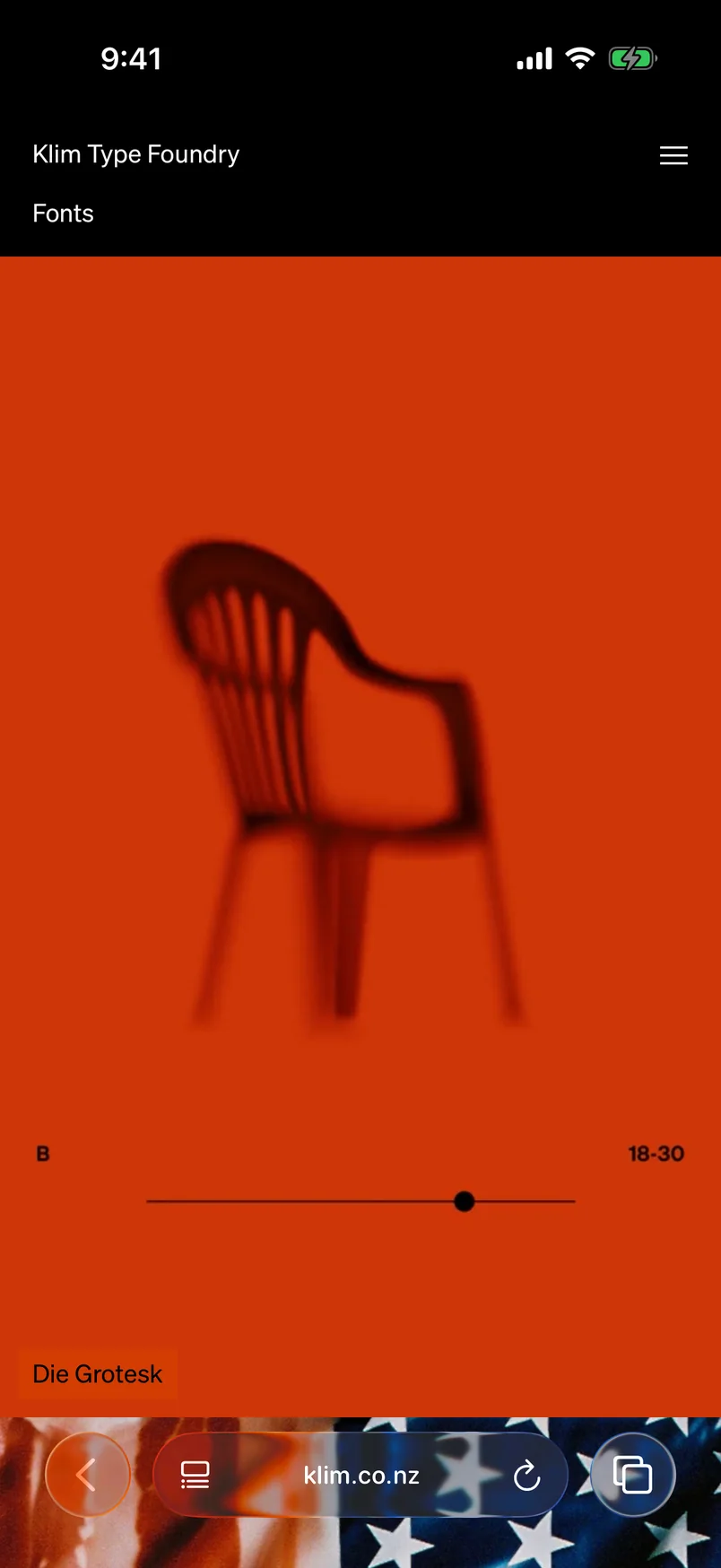
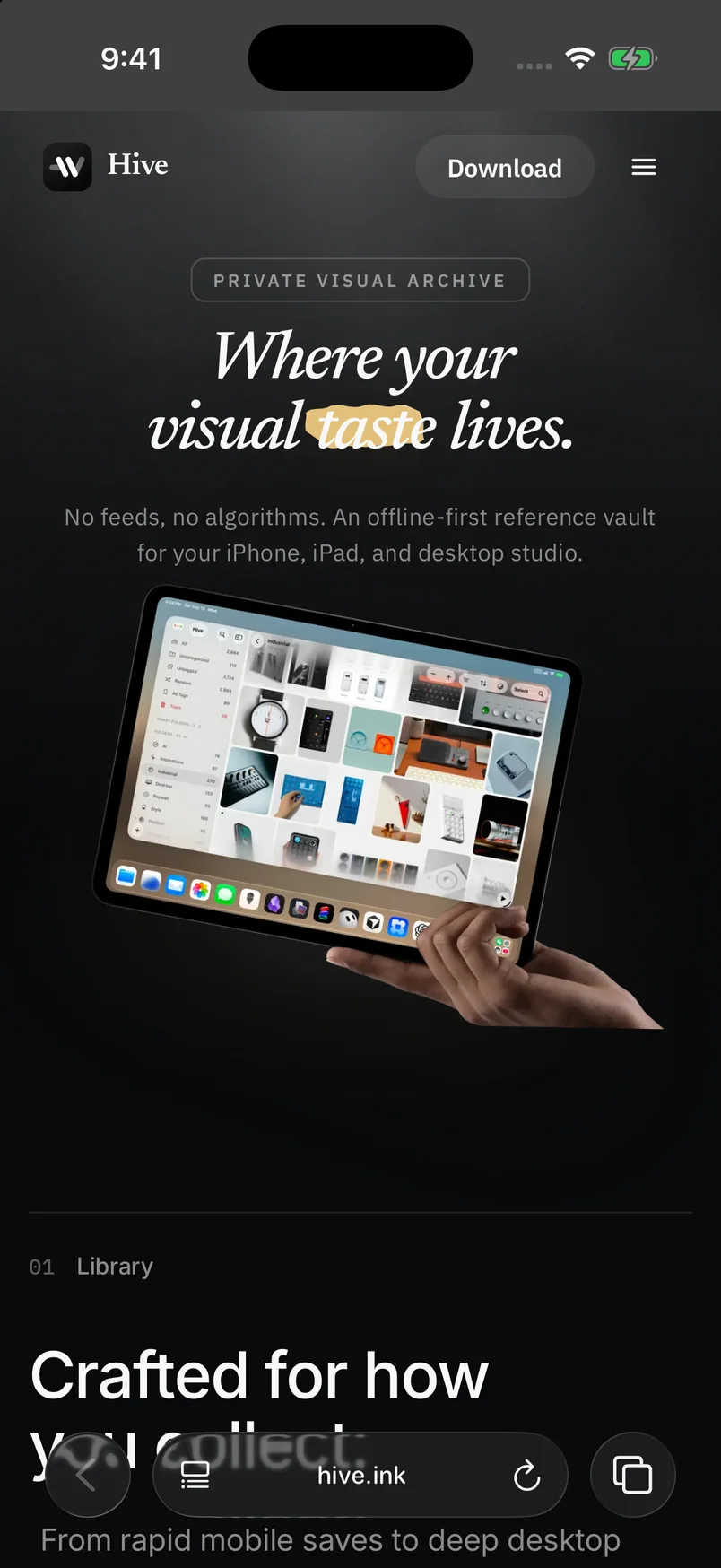

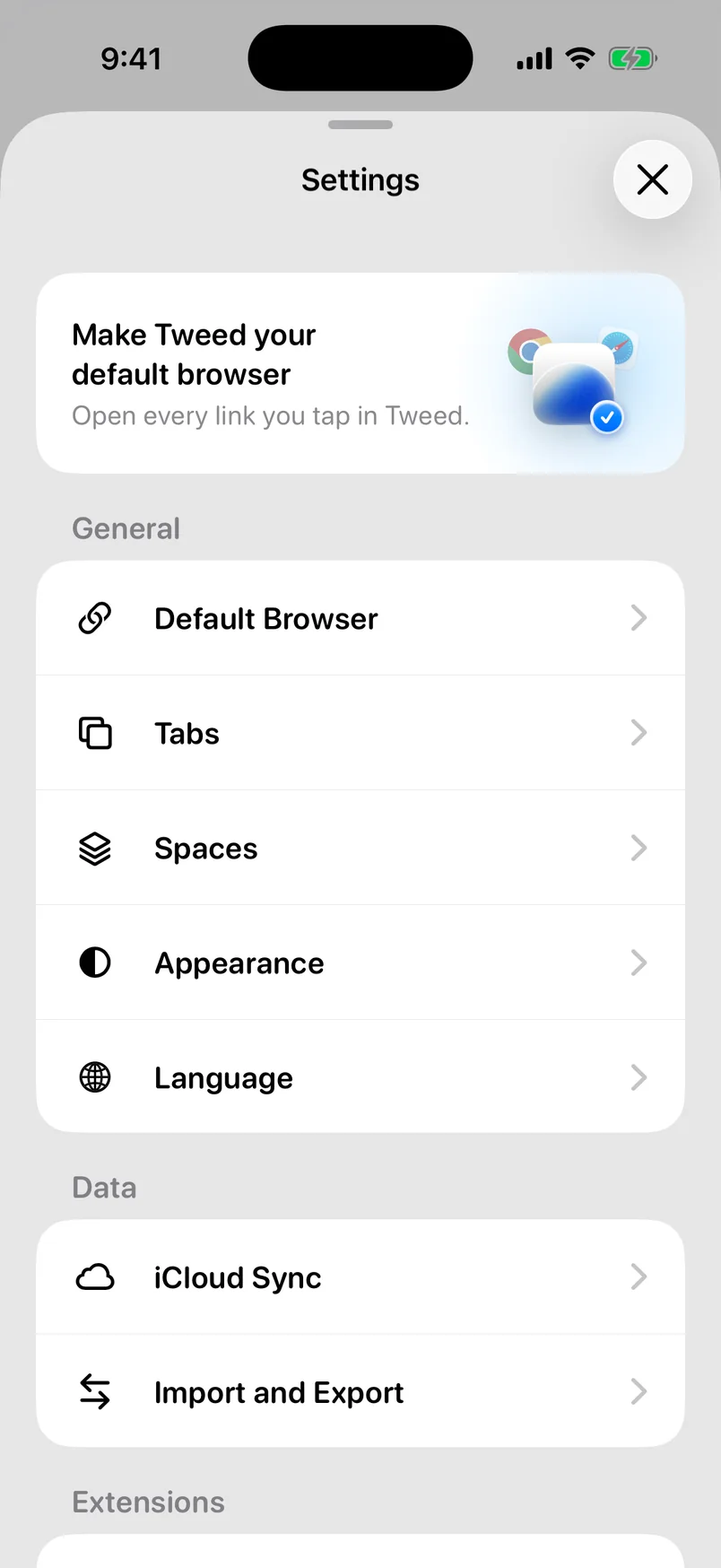
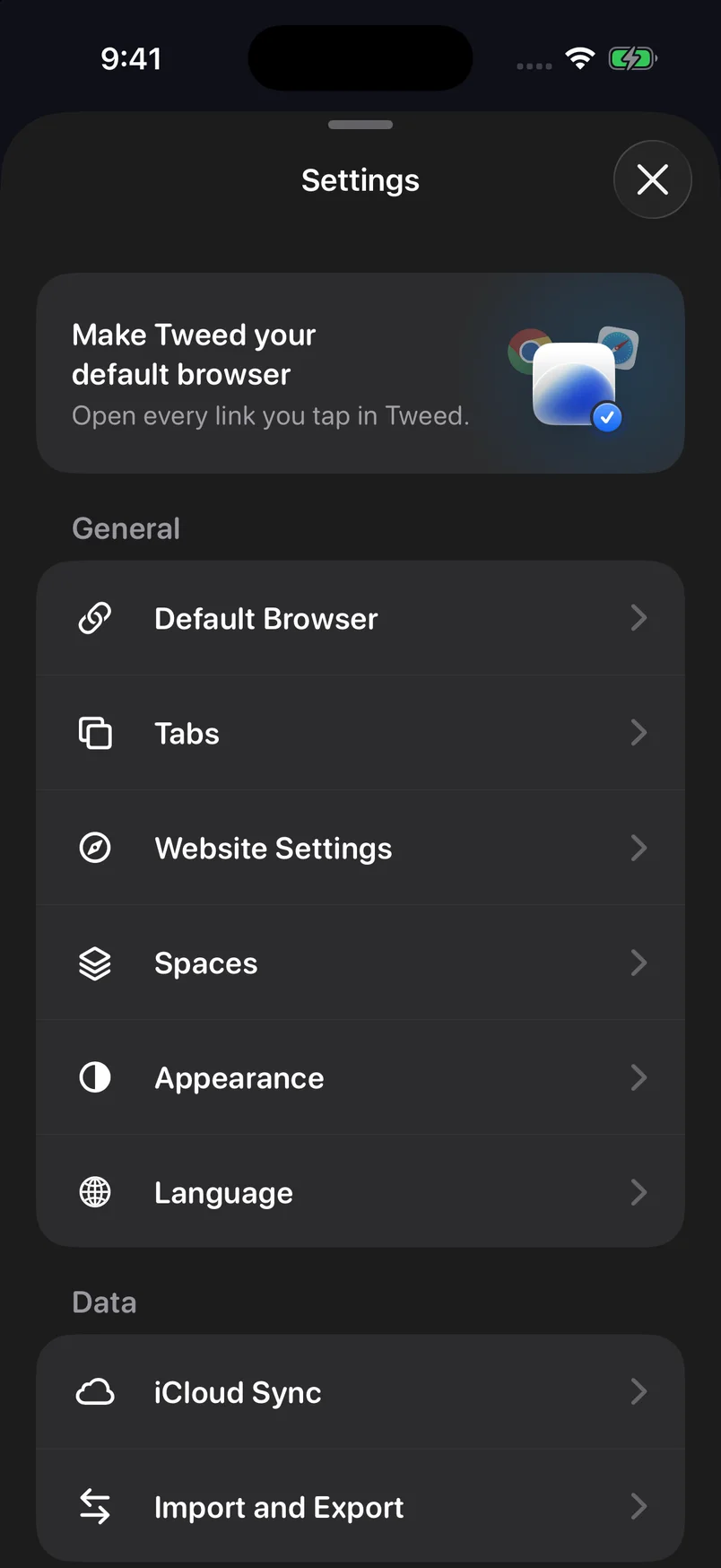
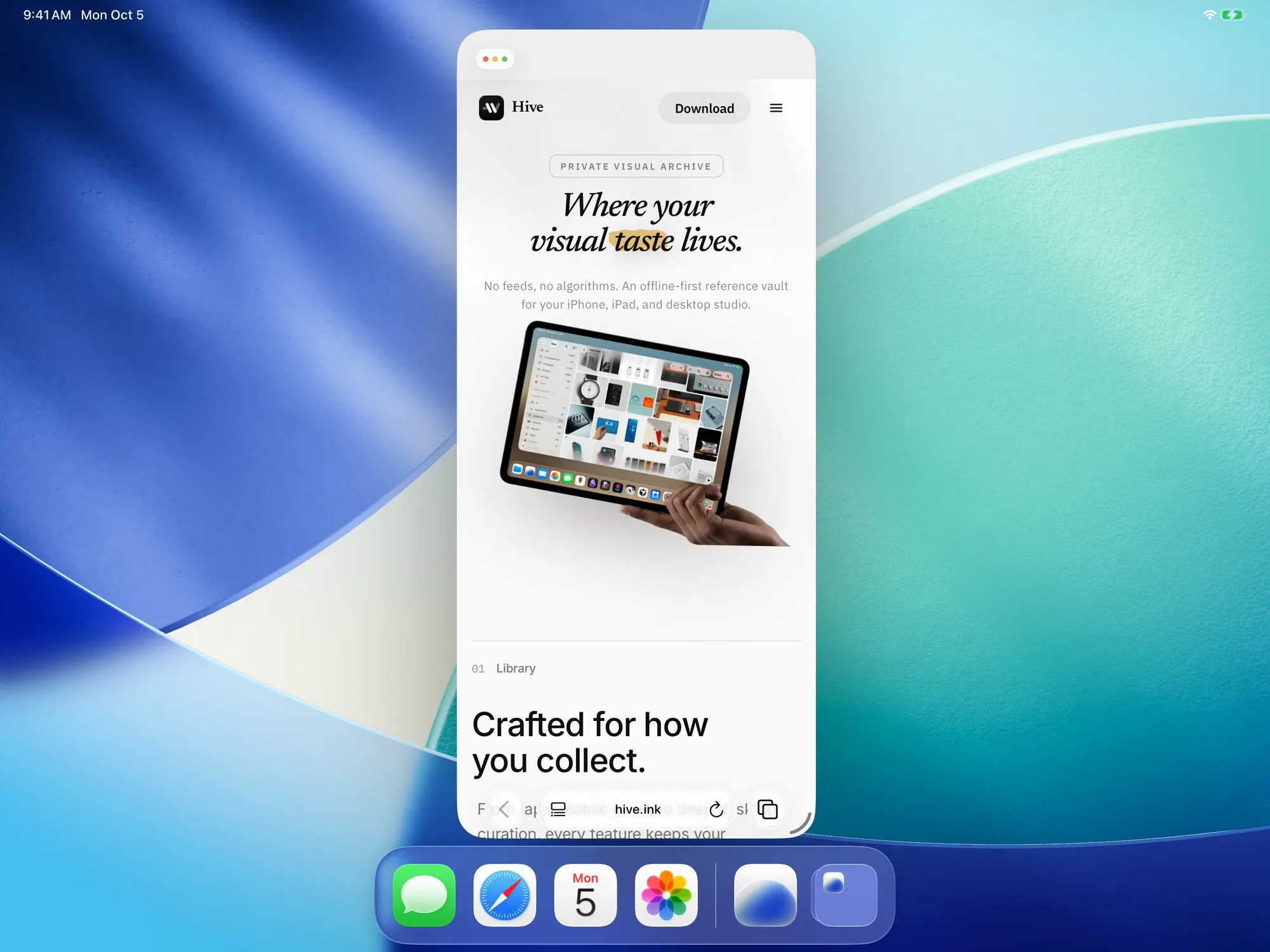
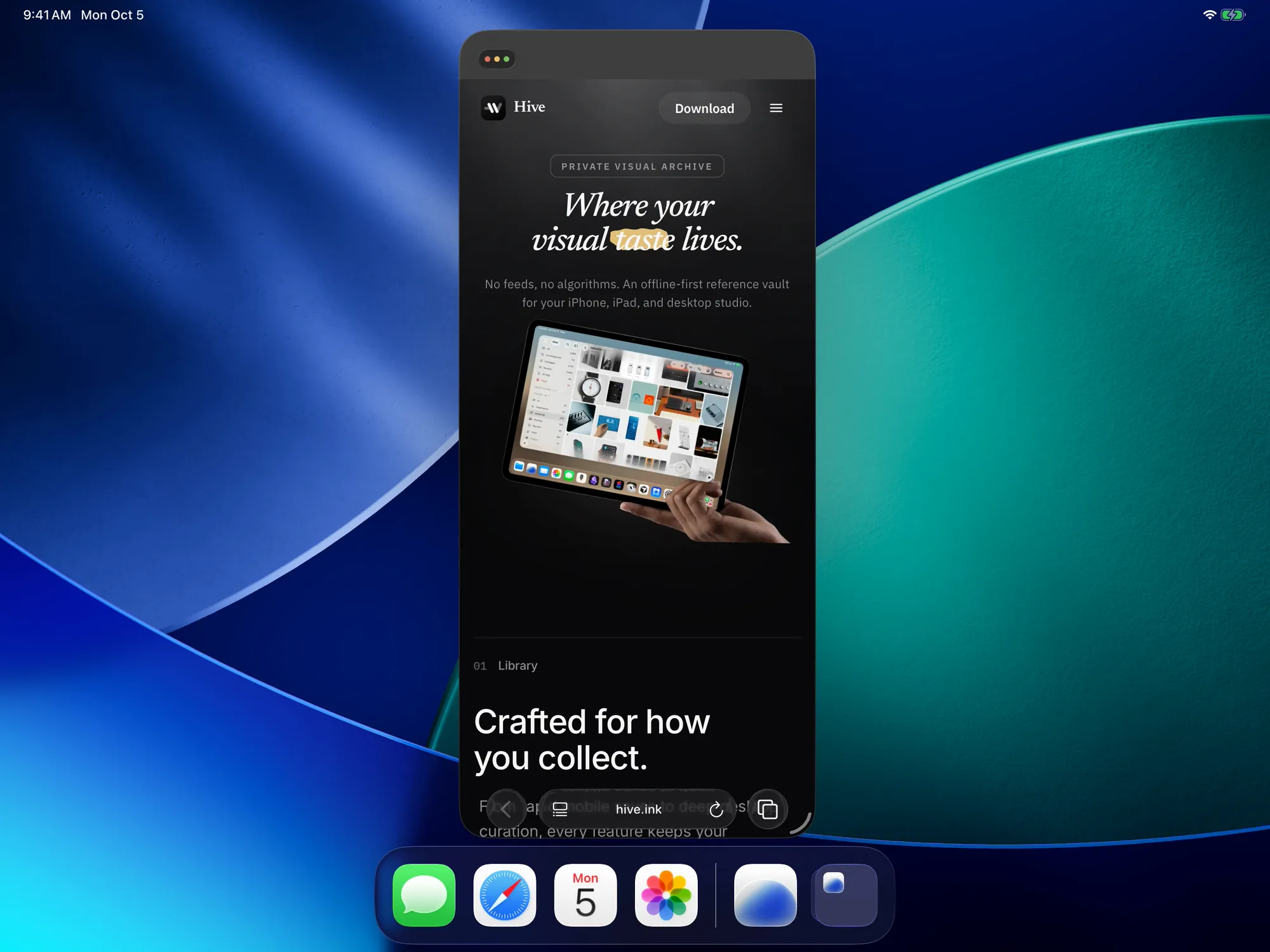
Resize the window. Keep the whole browser.






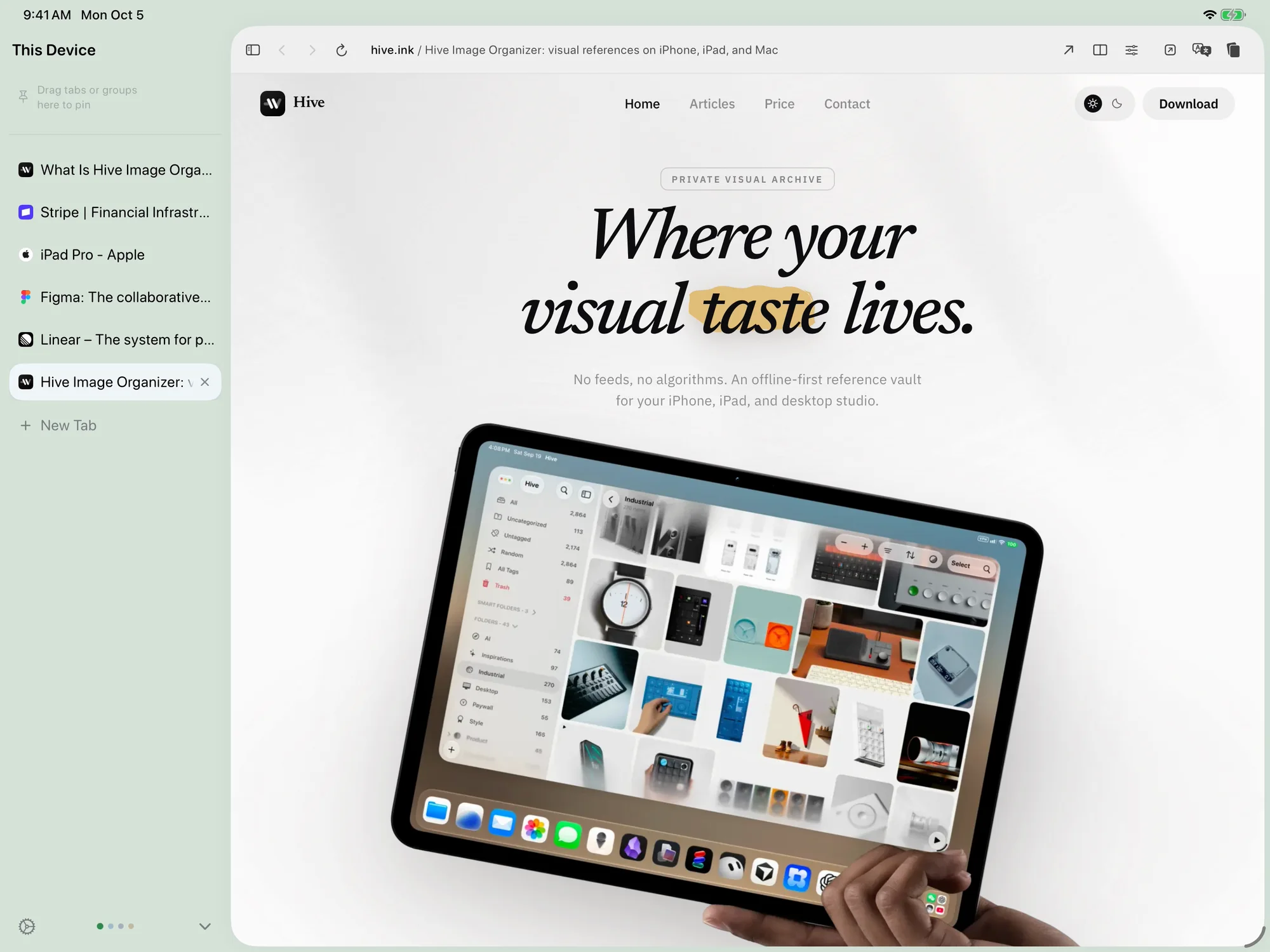
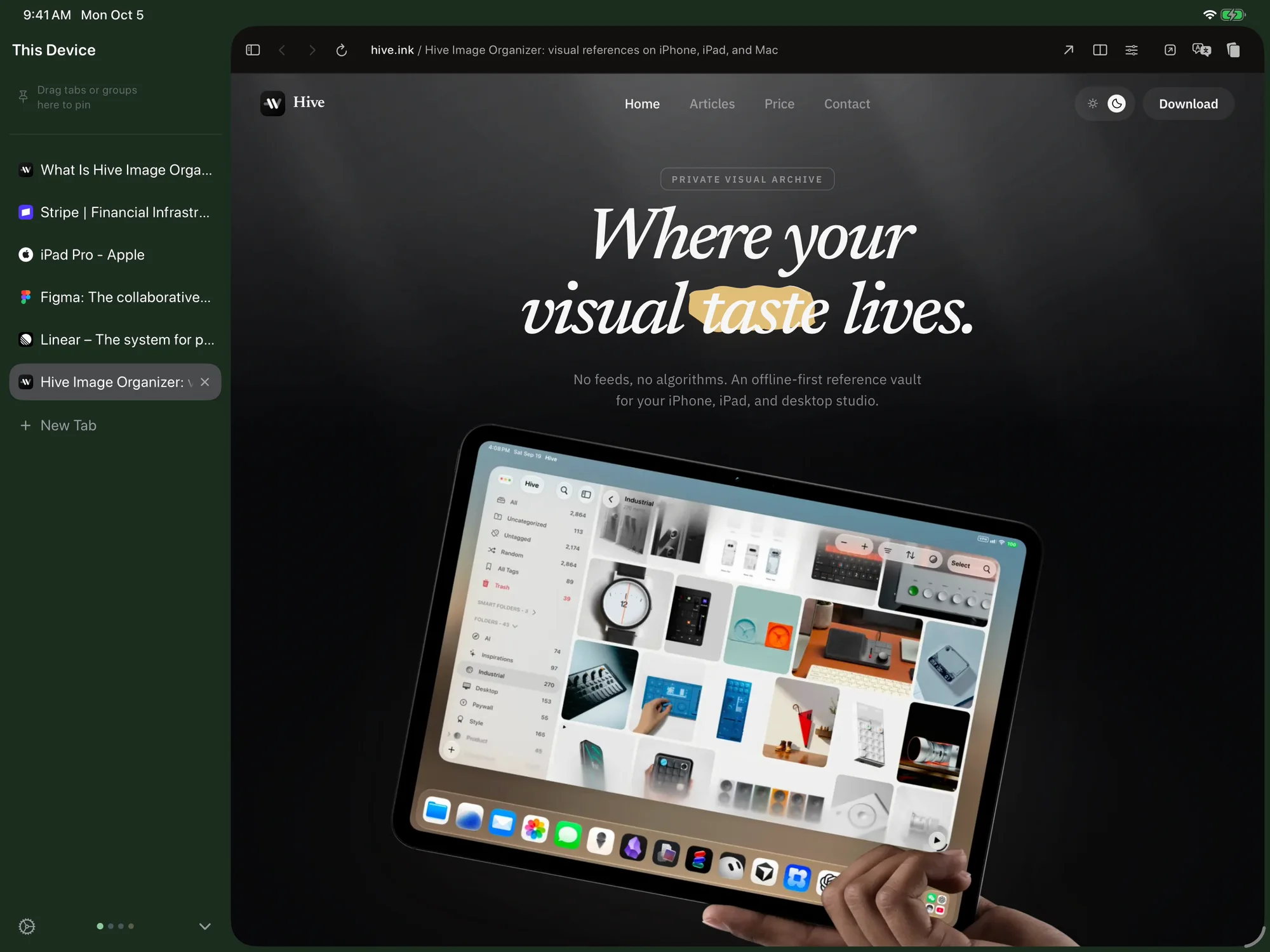
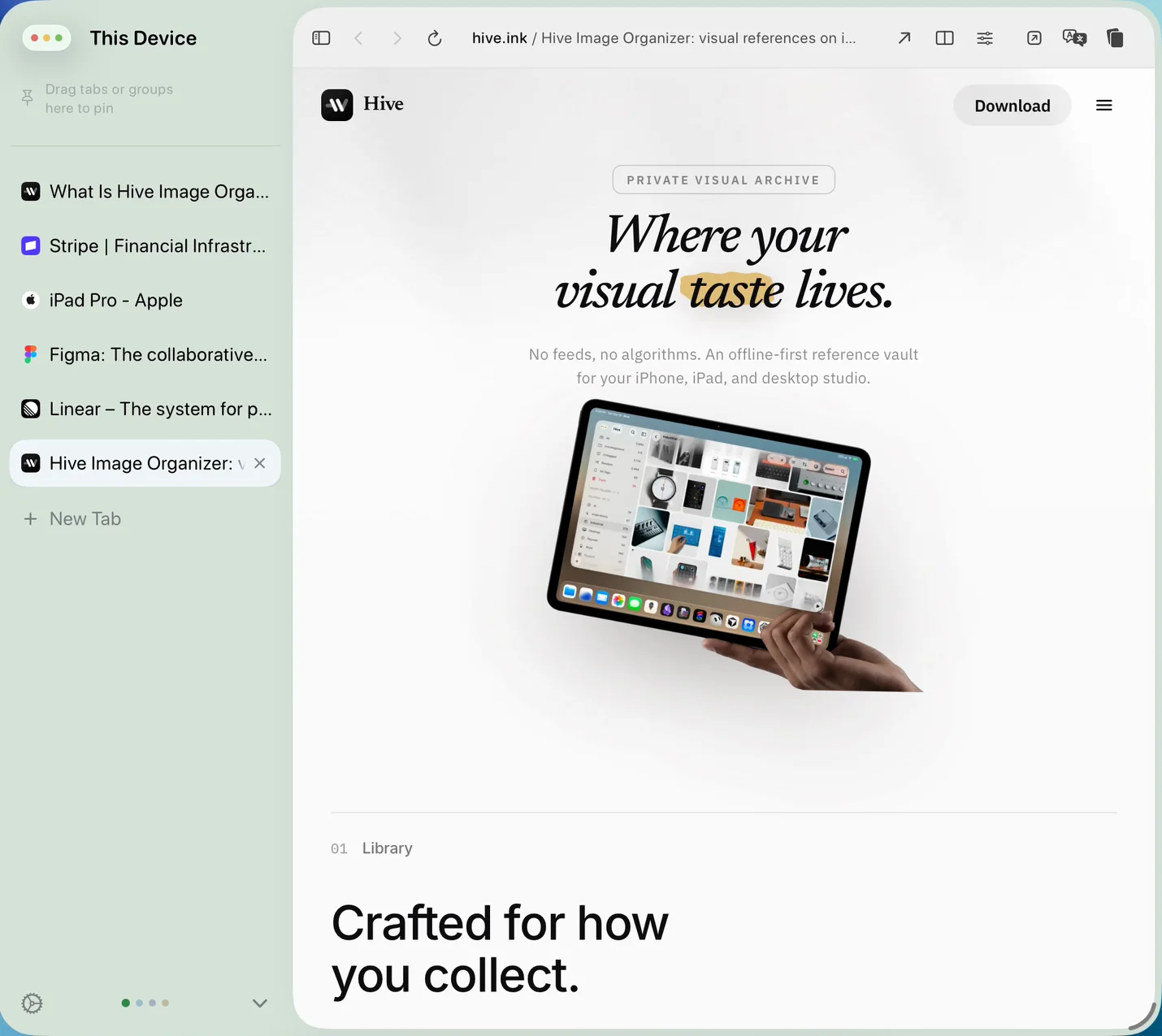
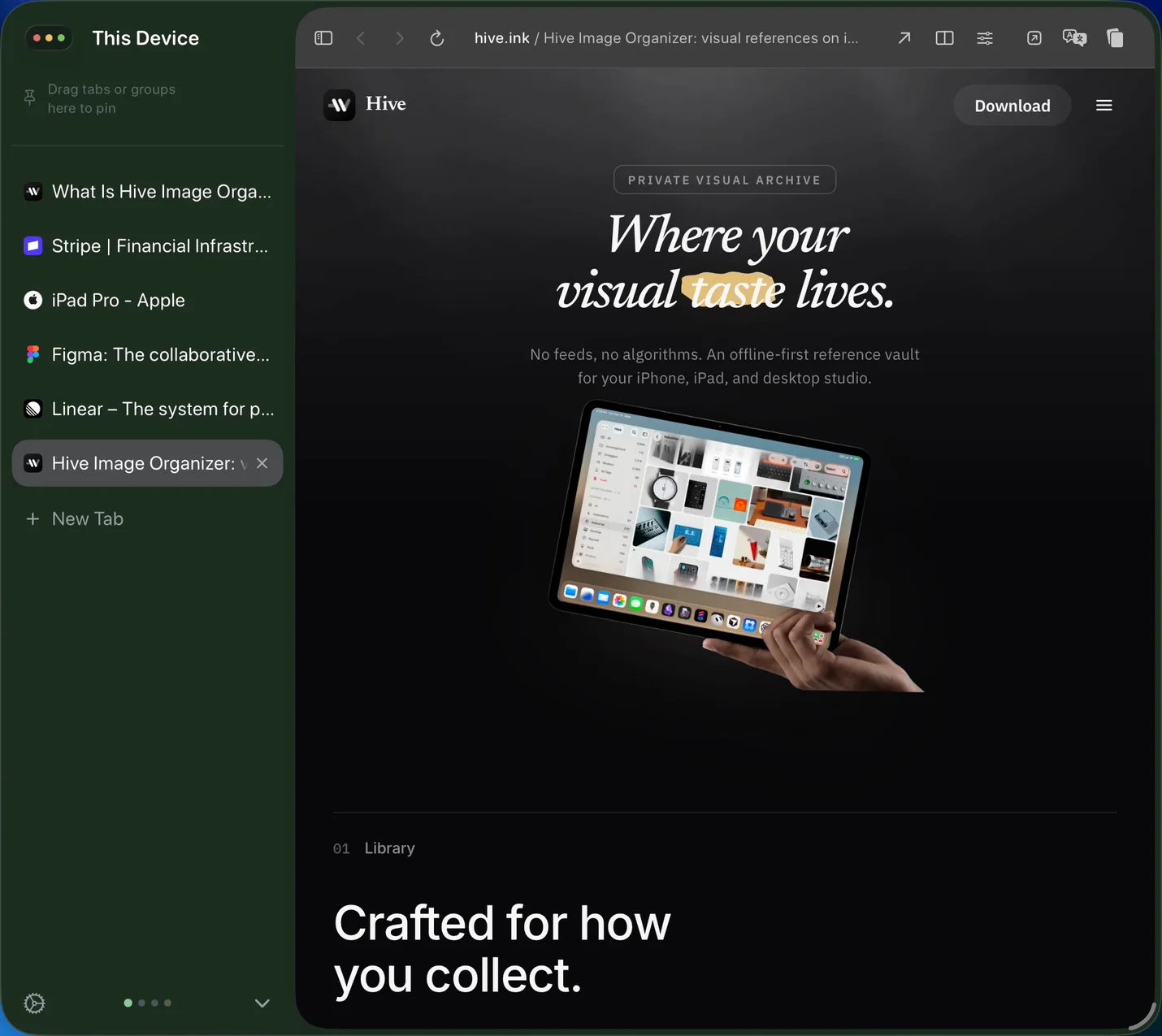
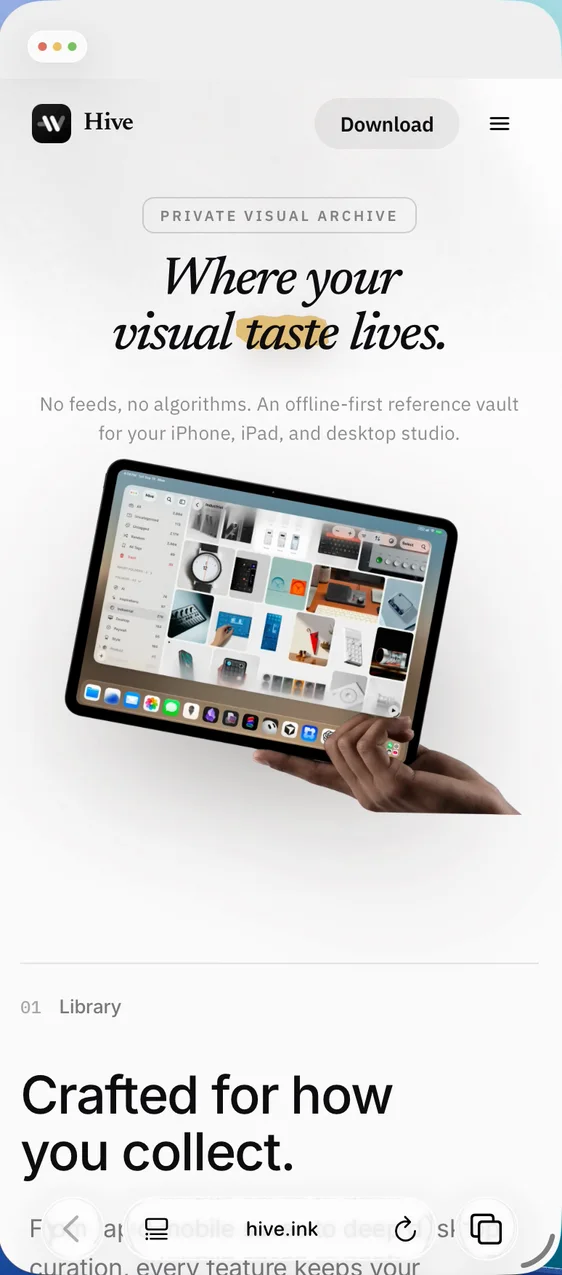
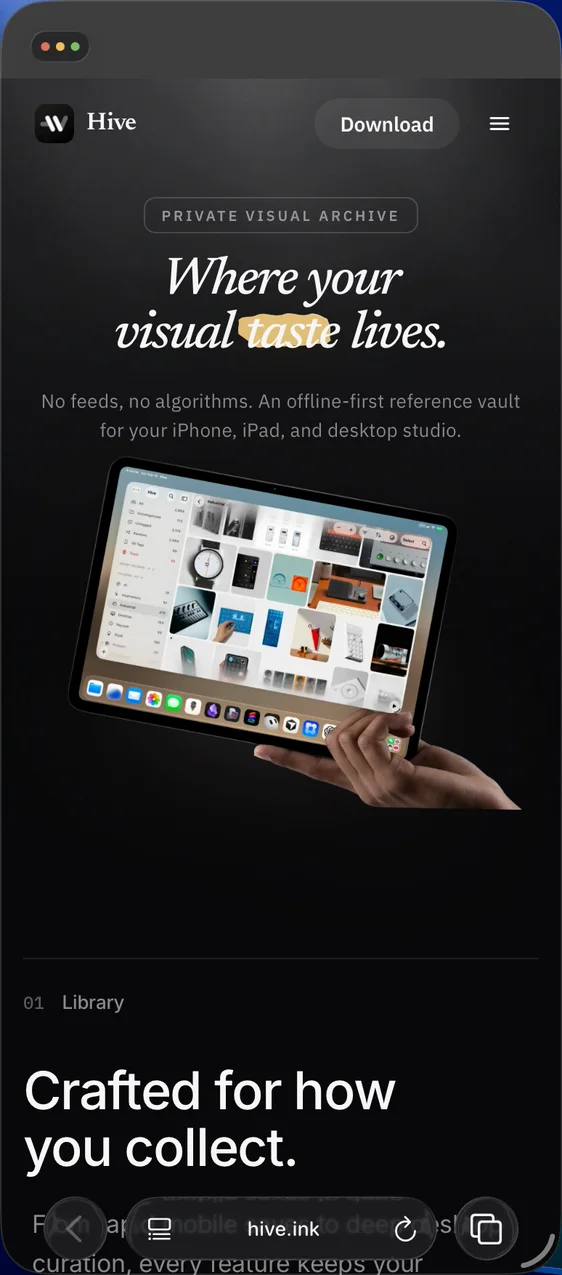
The sidebar and the page sit side by side, with room for both.
Organize your tabs your way.
Drag a tab to either edge to see two pages side by side.
Keep work and life in separate Spaces.
Swipe the sidebar with two fingers to switch Spaces.
Fold a whole trip into one row.


 Reykjavík - Wikipedia
 Linear – The system for product development
 designhotels.com
 The New Yorker
 cereal-magazine.com
 Figma: The collaborative interface design tool
Your trip is mixed in with your work tabs.
Split View on iPhone
View two pages on one iPhone.
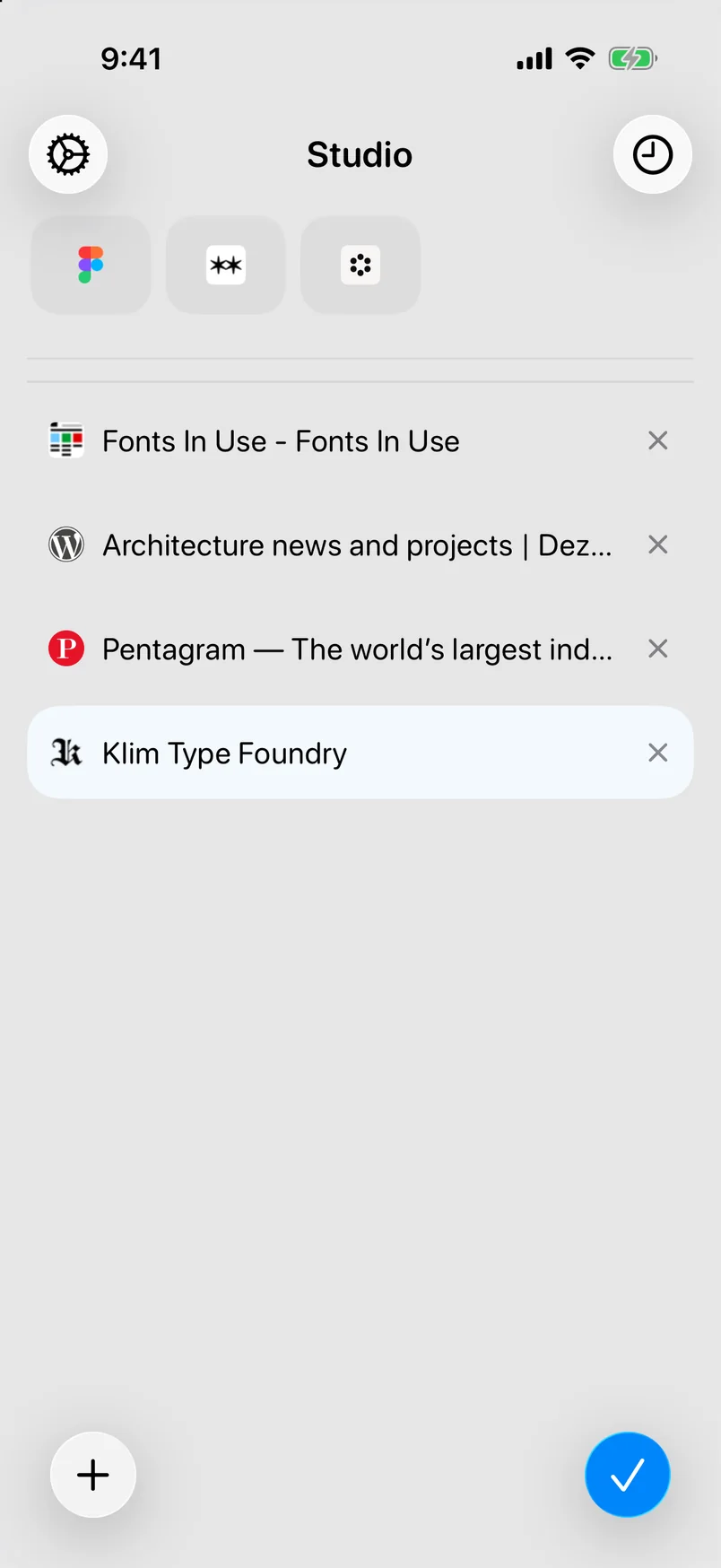
Pick up your tabs on iPhone.
Swipe up from the address bar to see all your tabs.
Everything else you need, built in.
Translation
Read any page in your own language, and switch back to the original with one tap.
Reader
Clear away the ads and clutter, so a long article is easy to read from start to finish.
Collector
Find every image and video on a page, then save the ones you want to keep.
Keyboard Shortcuts
Open, switch, and reopen your tabs from the keyboard, without touching the screen.
Import Bookmarks
Bring your bookmarks over from Safari, Chrome, or Arc and pick up where you left off.
No Account
Your tabs sync through your own iCloud, and we store nothing.
Common questions
What is Tweed?
Tweed is a sidebar browser for iPad and iPhone. Pin your daily sites, group related tabs, and keep work and life in separate Spaces. Tabs sync through your own iCloud, and there is no Tweed account.
Which devices are supported?
Tweed is one app for iPhone and iPad. It requires iPadOS 26 / iOS 26 or later. On iPhone you get a compact tab list; on iPad, the full sidebar, Split View, and keyboard shortcuts.
How do I join the TestFlight?
Tweed is in public beta through Apple’s TestFlight. Install TestFlight from the App Store, then open the invite on your iPhone or iPad. The steps are on How to join the TestFlight.
How is it different from Safari’s tab bar?
Safari on iPad shows open tabs in a strip along the top of the window. Tweed lists the open tabs in a sidebar, with pins, groups, and Spaces. It uses WebKit, the same engine as Safari, so sites render as they do there.
A bigger screen deserves a sidebar.
Available now on TestFlight for iPadOS 26 and iOS 26 or later. No account needed.
Join TestFlight