
A tab strip splits one row of width among every tab you open. A vertical list gives each tab a row of its own, which is why it holds up when you have thirty of them.
An iPad makes the difference larger than a Mac does, because its windows are never one size for long. This page covers why a list suits an iPad, what a sidebar has to do besides list tabs, and how Tweed and Safari handle it. The facts about Safari come from Apple’s support pages, listed at the end.
From a Strip to a List
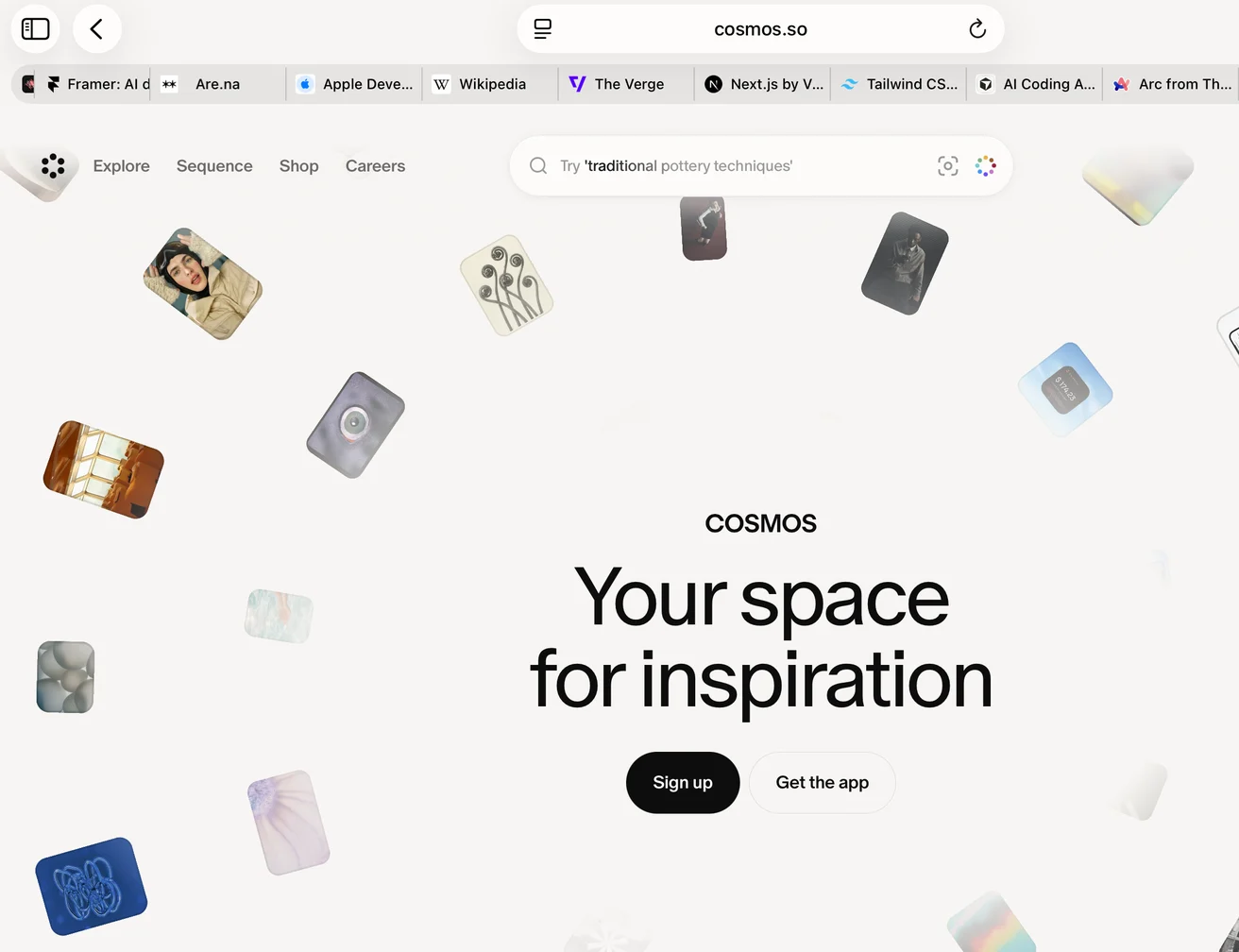
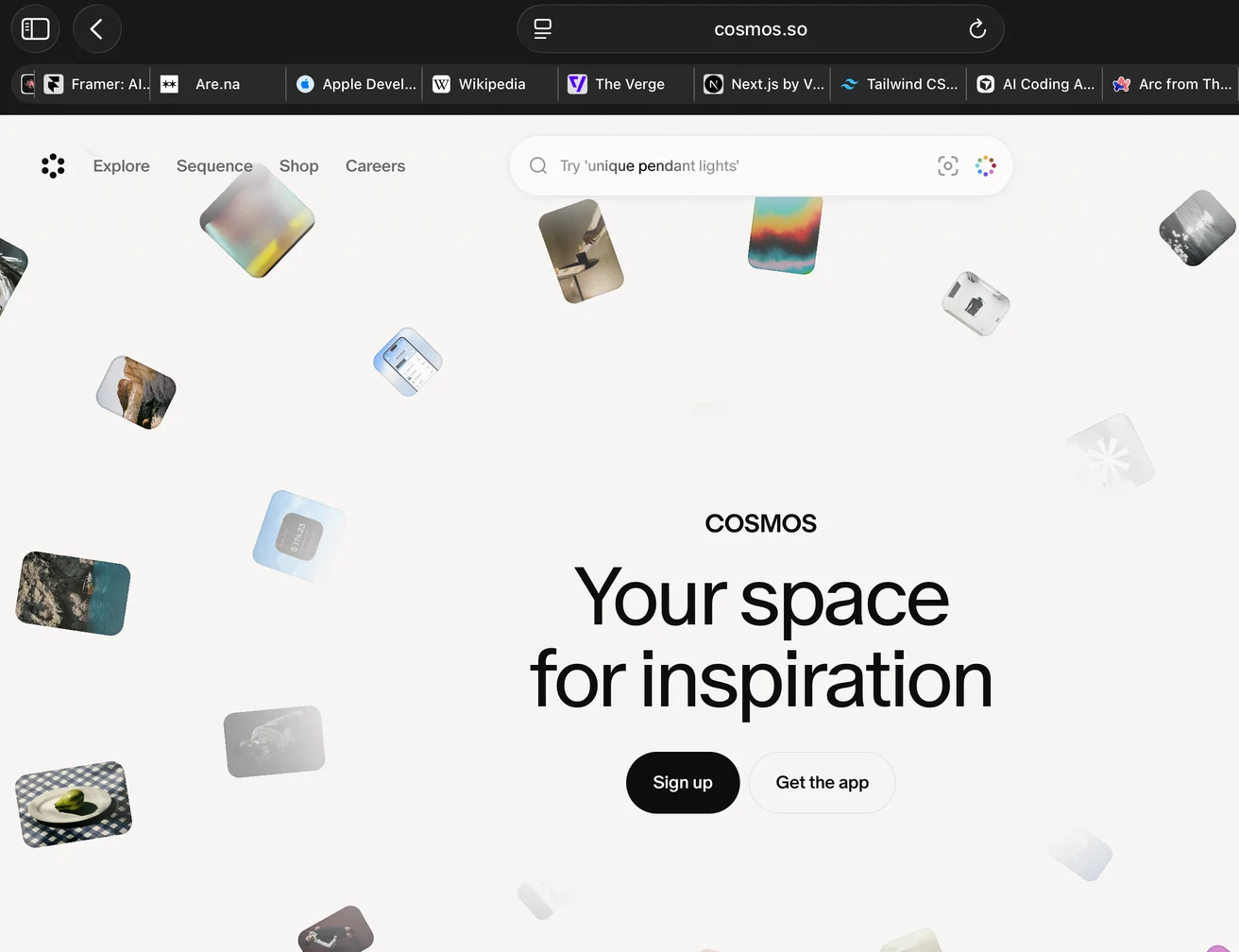
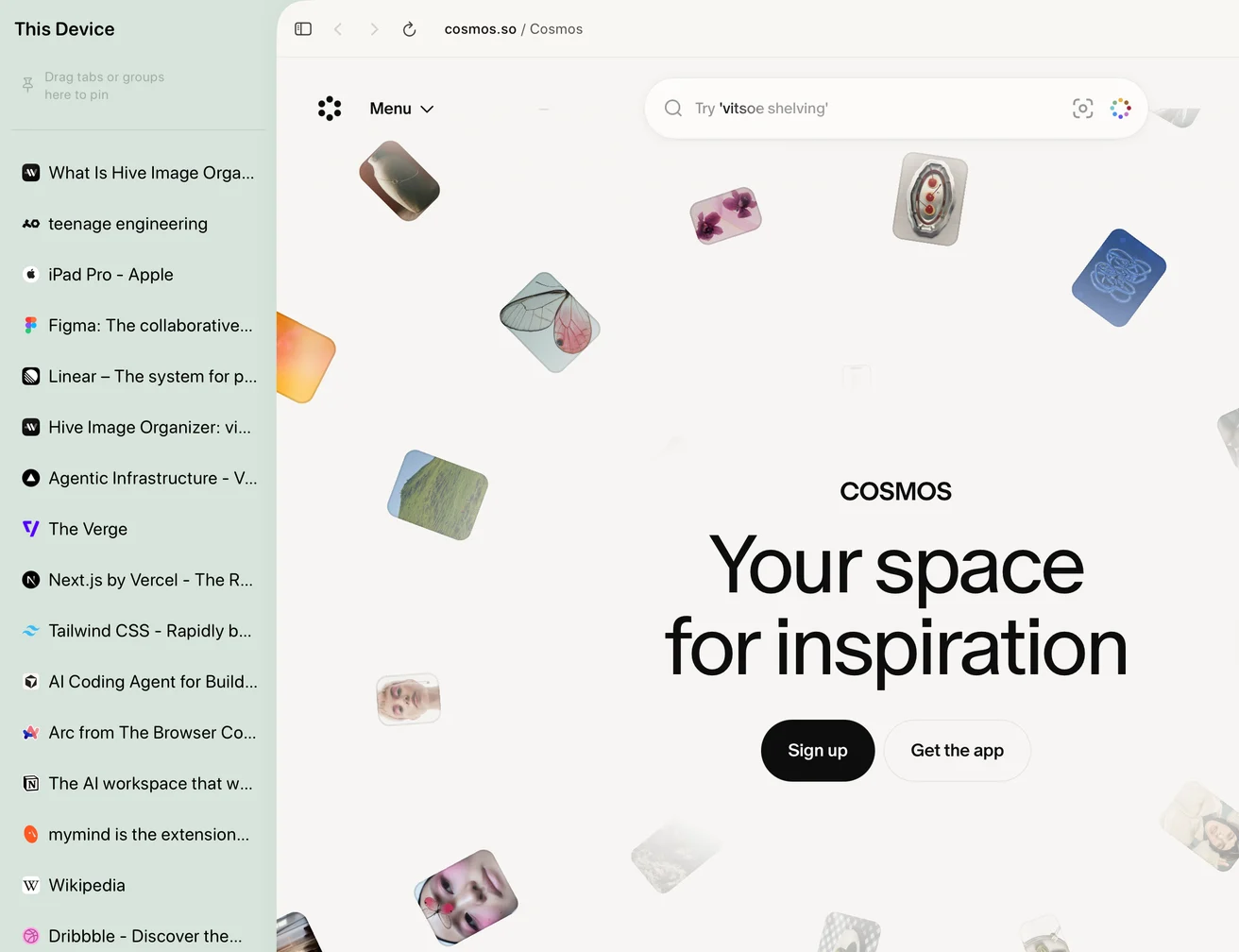
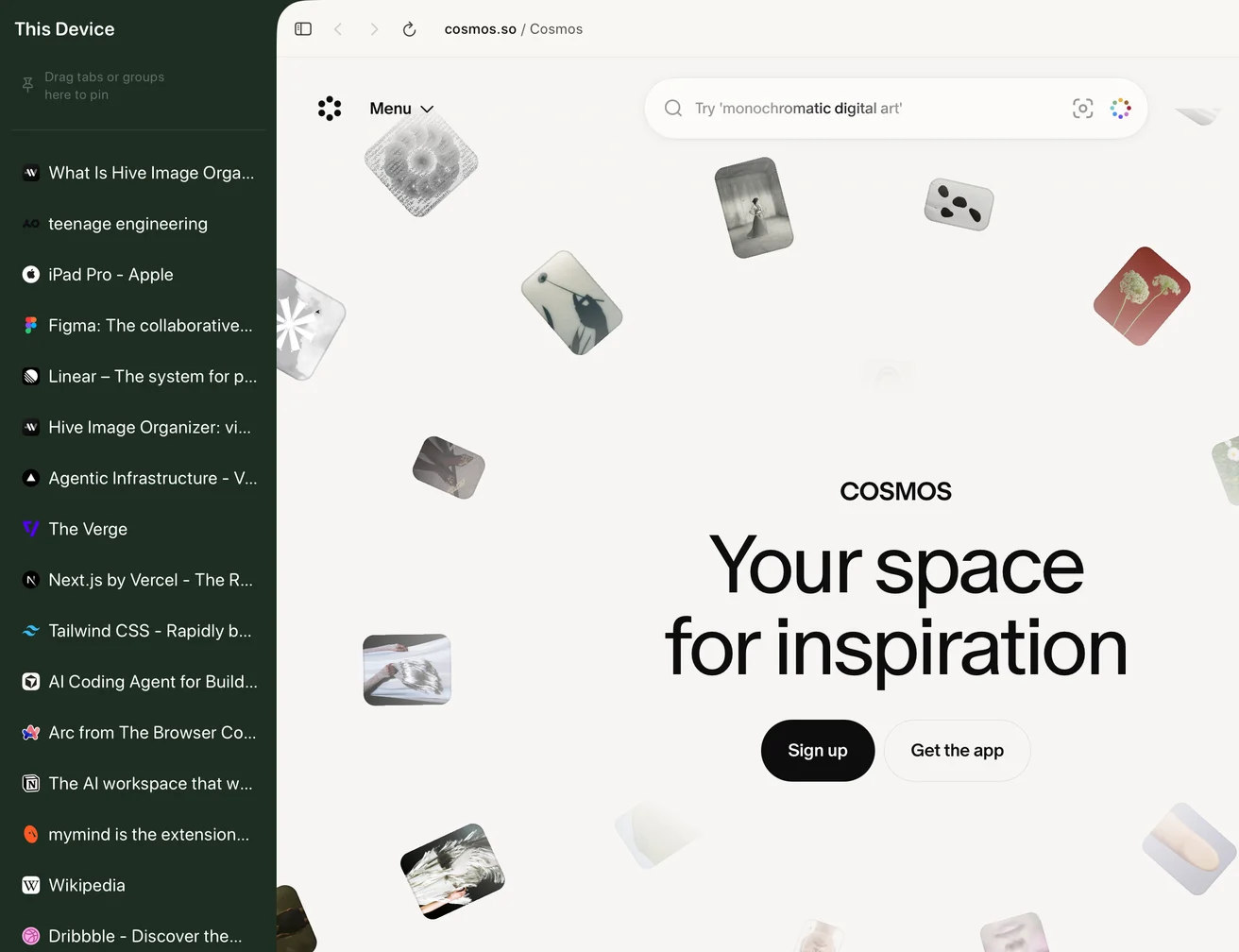
A tab strip is a row of fixed width. Every tab you open takes its share from the others, so past a dozen or so each one is an icon and a few letters. A vertical list gives every tab a full row, so page titles stay readable, and the list scrolls when it runs out of room.
An iPad adds a second reason. Its windows change size all day: full screen in the morning, beside Notes at noon, a narrow column during a call. A strip has one comfortable width, while a sidebar can be laid out for each size.
What a Sidebar Has to Do on iPad
Moving tabs to the side is only the start. A sidebar earns its width when it also does these things:
- Pins at the top: the few sites you open every day, as a row of icons that takes almost no room.
- Groups: related tabs folded into one row that opens and closes, so a trip’s twelve tabs don’t fill the list.
- Spaces: a separate sidebar for work, for a trip, for reading, so one list doesn’t have to hold everything.
- Touch, trackpad and keyboard: rows that are easy to hit with a finger and to drag, plus shortcuts for everything else.
- A layout for narrow windows: the sidebar should collapse with the window, not disappear.
How Tweed Does It
Tweed is a browser for iPad and iPhone built on WebKit, the same engine Safari uses, so pages look the way you expect. The sidebar reads from top to bottom: pins, then your open tabs in the order you left them, then groups you can fold. Each Space has a sidebar of its own, and you change Space by swiping across it.
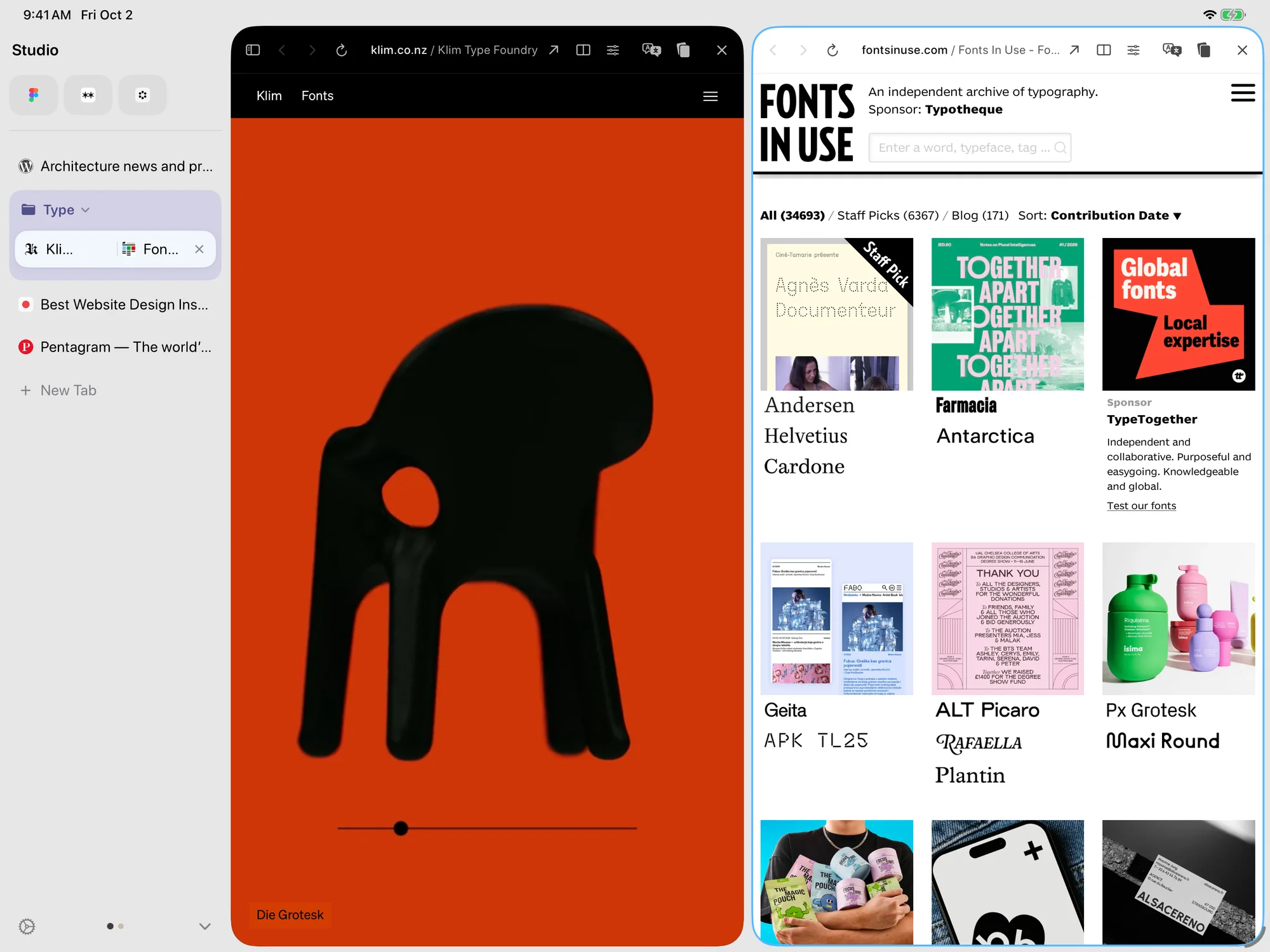
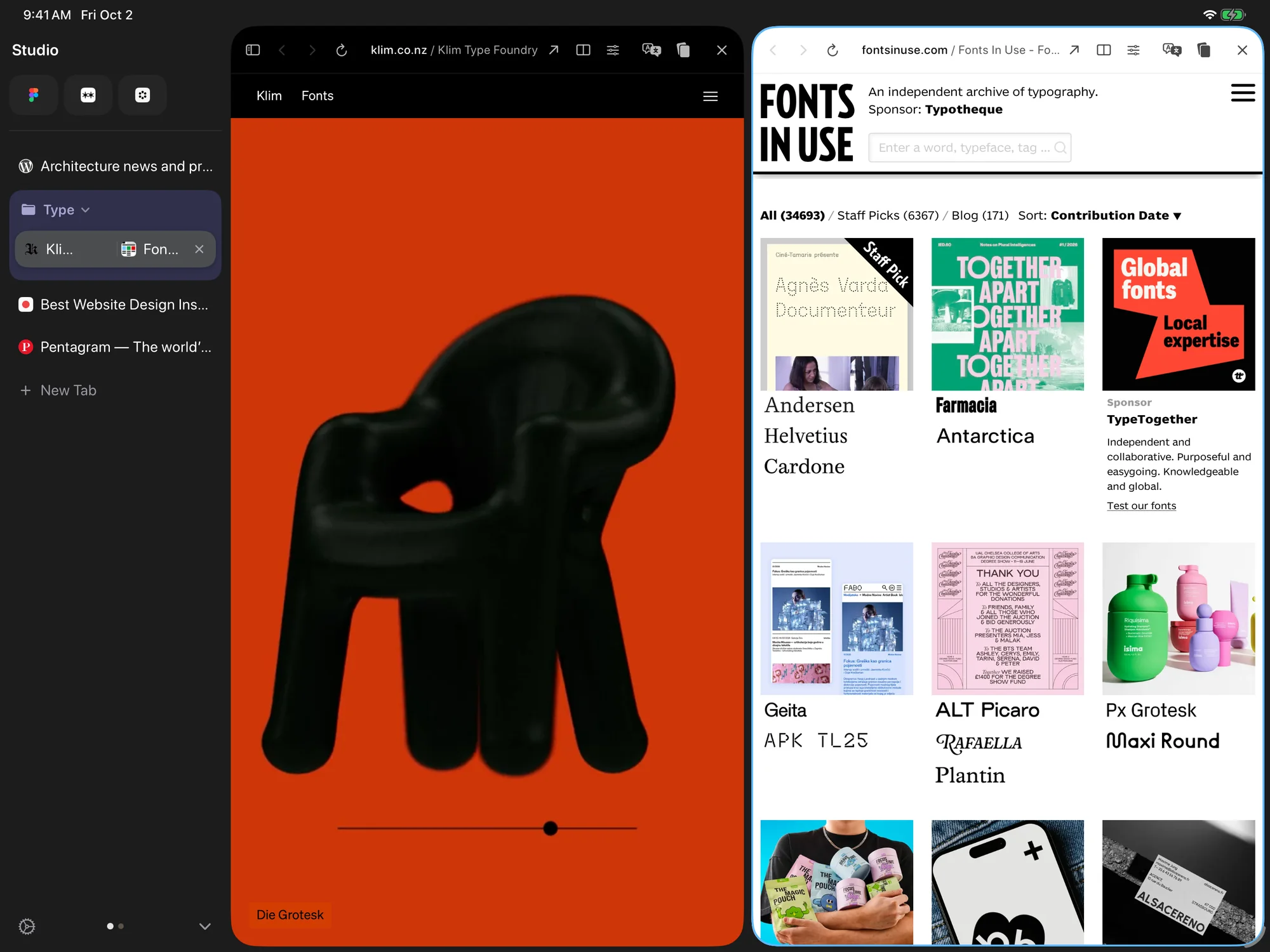 1Pins2Tabs3Group4Split View5Spaces
At full screen the sidebar and the page sit side by side. As a window beside other apps, you can hide the sidebar for more room, and when the window is narrowed to a column Tweed switches to the iPhone layout, with the same pins, groups and Spaces.
Drag a tab to the top of the sidebar to pin it, onto another tab to make a group, or to either edge of the page to see two pages side by side. With a keyboard attached, ⌘L, ⌘1 to ⌘9, ⌃⇥ and ⌘⇧T work as they do on a desktop. Tabs, pins, groups and Spaces sync through your own iCloud, and there is no Tweed account to create.
- Runs on
- iPad, iPhone
- Price
- Free in the public beta
The Browser Already on Your iPad
Built in
Safari
Safari is built into every iPad and iPhone, and it’s very good at being the default. It uses WebKit, syncs your tabs through iCloud, and has Tab Groups, a Reading List and support for extensions.
Where it stops is the layout. Safari keeps open tabs in a strip along the top of the window, and with twenty of them each one is an icon and a few letters. It has a sidebar too, for Tab Groups, bookmarks and the Reading List.
Safari Compared With Tweed
Safari and Tweed draw pages with the same engine, so a website looks the same in both. The difference is the layout around the page: Safari’s tabs sit in a strip, and Tweed’s sit in a sidebar with pins, groups and Spaces.
If you keep a handful of tabs open, the browser that came with the iPad is enough, and Safari is the better choice. If you keep twenty or thirty open and often use the browser beside another app, Tweed is the better choice.
Choose Safari when
You keep a handful of tabs open, and the browser that came with the iPad is enough.
Choose Tweed when
You often have twenty or more tabs open, and you use the browser beside other apps.
With Tweed You don’t have to leave Safari behind. Tweed imports Safari’s bookmarks, reading list and history, and it can be your default browser, so links from other apps open in it.
- Runs on
- iPhone, iPad, Mac
- Price
- Free, built in
- Official site
- apple.com/safari ↗
Where Tweed Falls Short
These are the things Tweed doesn’t do, or does less well.
- A sidebar takes a slice of the screen’s width, and on an 11-inch iPad you notice. You can hide it, but then the tabs are one tap away instead of in view.
- Tweed is made for iPhone and iPad. There is no Windows or Android version.
- It is a public beta on TestFlight, so it still changes from build to build. Each TestFlight build expires after 90 days, and Apple limits the number of testers.
- It needs iPadOS 26 or iOS 26 or later.
- It uses WebKit, so Chrome extensions don’t run in it.
If you only ever keep five tabs open, a strip is fine. The sidebar earns its width once you have more tabs than a strip can label.