
Browse topics
How do I group tabs?
Drag a tab onto another tab and hold to make a group, or create one from a tab’s menu and move tabs into it.
Create a group

- Control-click or touch and hold a tab.
- Choose New Group with Tab.
Move tabs into a group
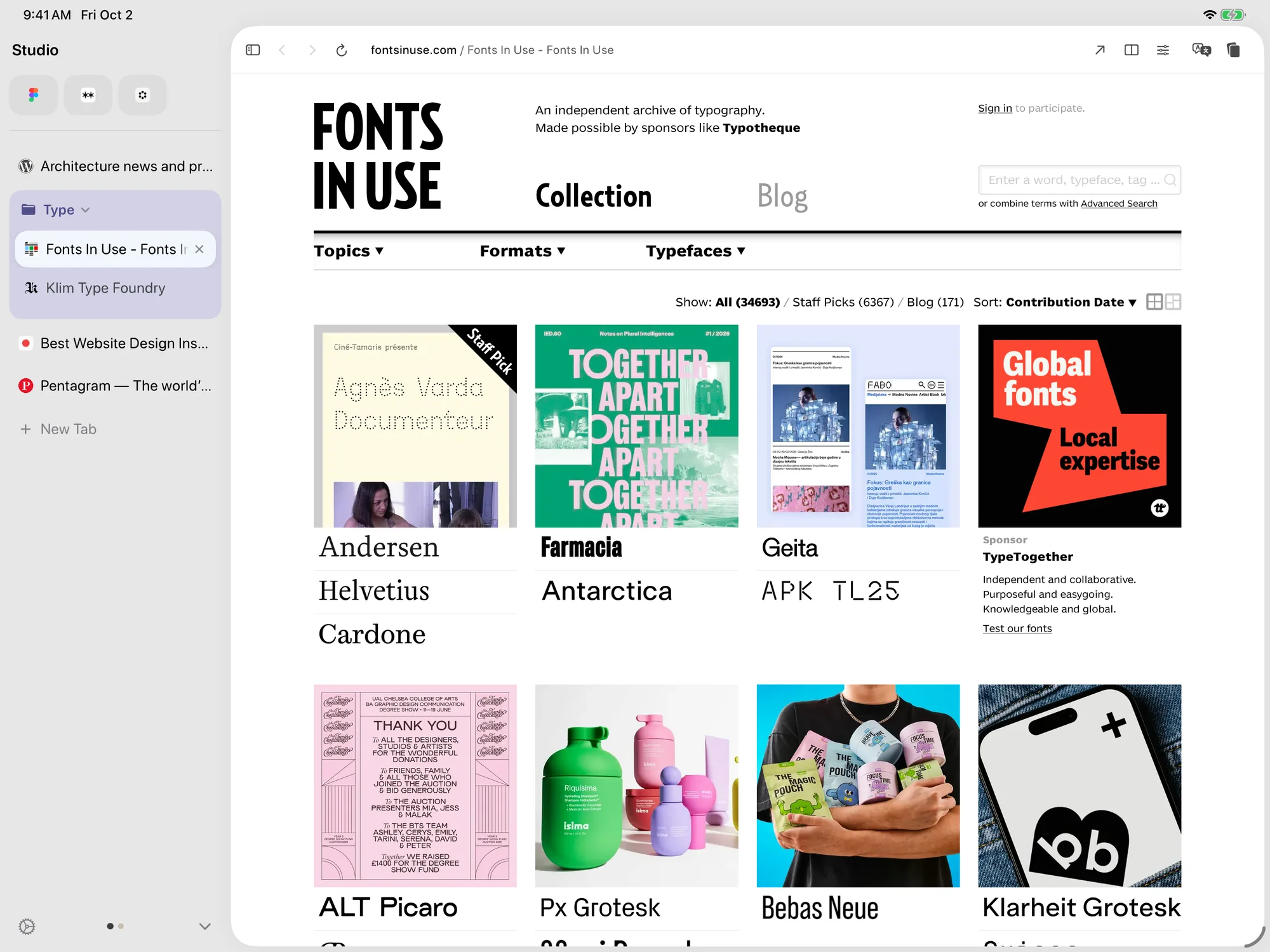
- Drag a tab onto a group, or into an open group.
- Or use the tab menu and choose Move to Group.
Group several tabs
- Shift-click or Command-click the tabs you want.
- Control-click the selection, then choose New Group with Tabs.
Group links as you open them
With a keyboard or trackpad, Command-click a link on the same site to open it in a group with the current tab. Option-Shift-click opens a link in the current group. Turn these on or off in Tabs in Settings.
Need more help?
Contact support