
Browse topics
How do I view two pages at once?
On iPhoneSwipe up from the address bar, hold near the top of the screen, and let go, then tap another tab. You can also open Split View from the tab menu.On iPadOpen Split View by dragging a tab onto the page, or from the tab menu.
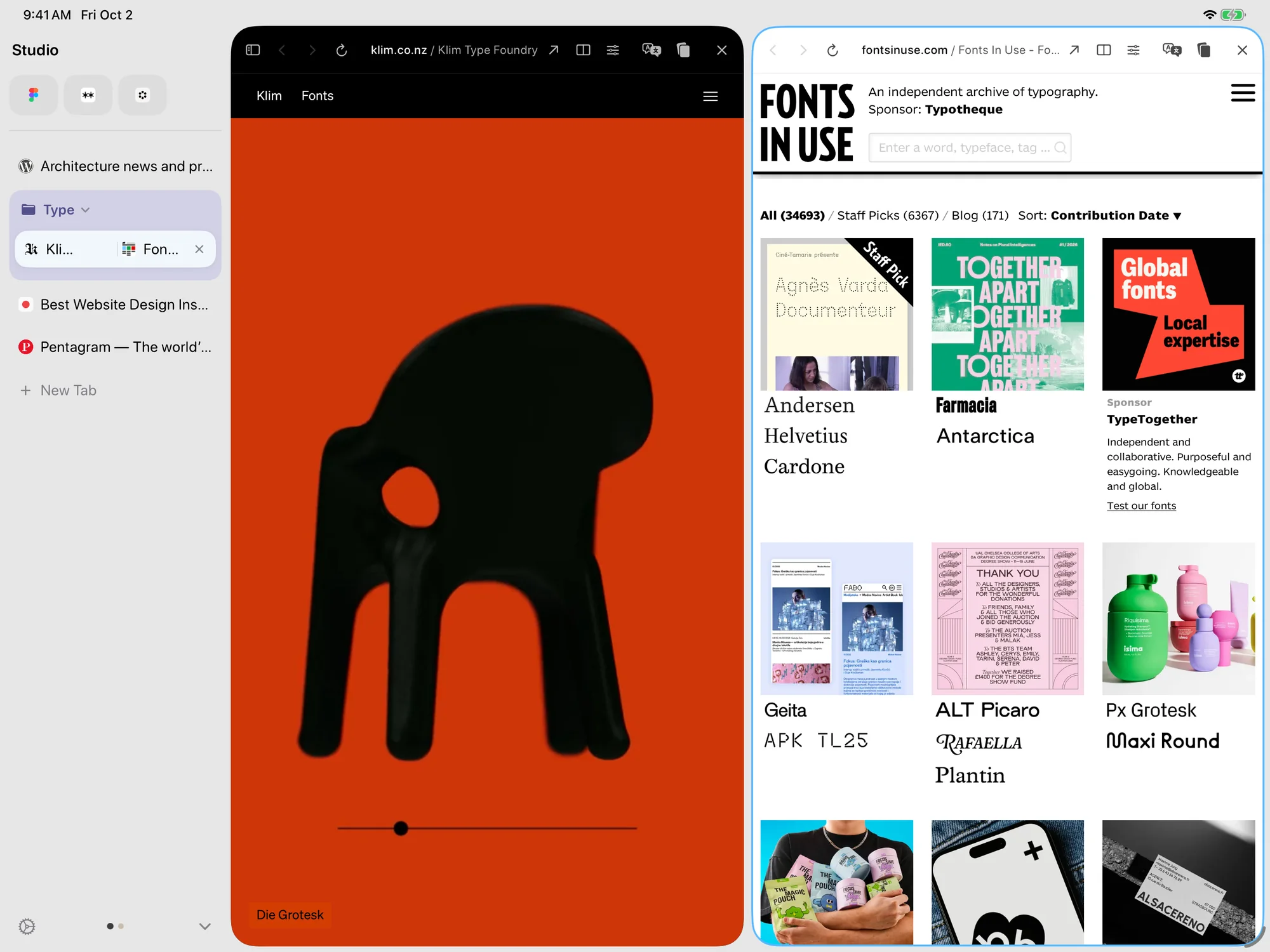
Drag
- On iPhoneSwipe up from the address bar and hold near the top of the screen. Let go when Release to Split appears.On iPadDrag a tab from the sidebar onto the page.
- On iPhoneTap another tab. It opens beside the page you were on; tap the narrow strip at the edge to switch pages. To separate them, swipe up the same way and let go at Release to Separate.On iPadDrop it to open Split View.
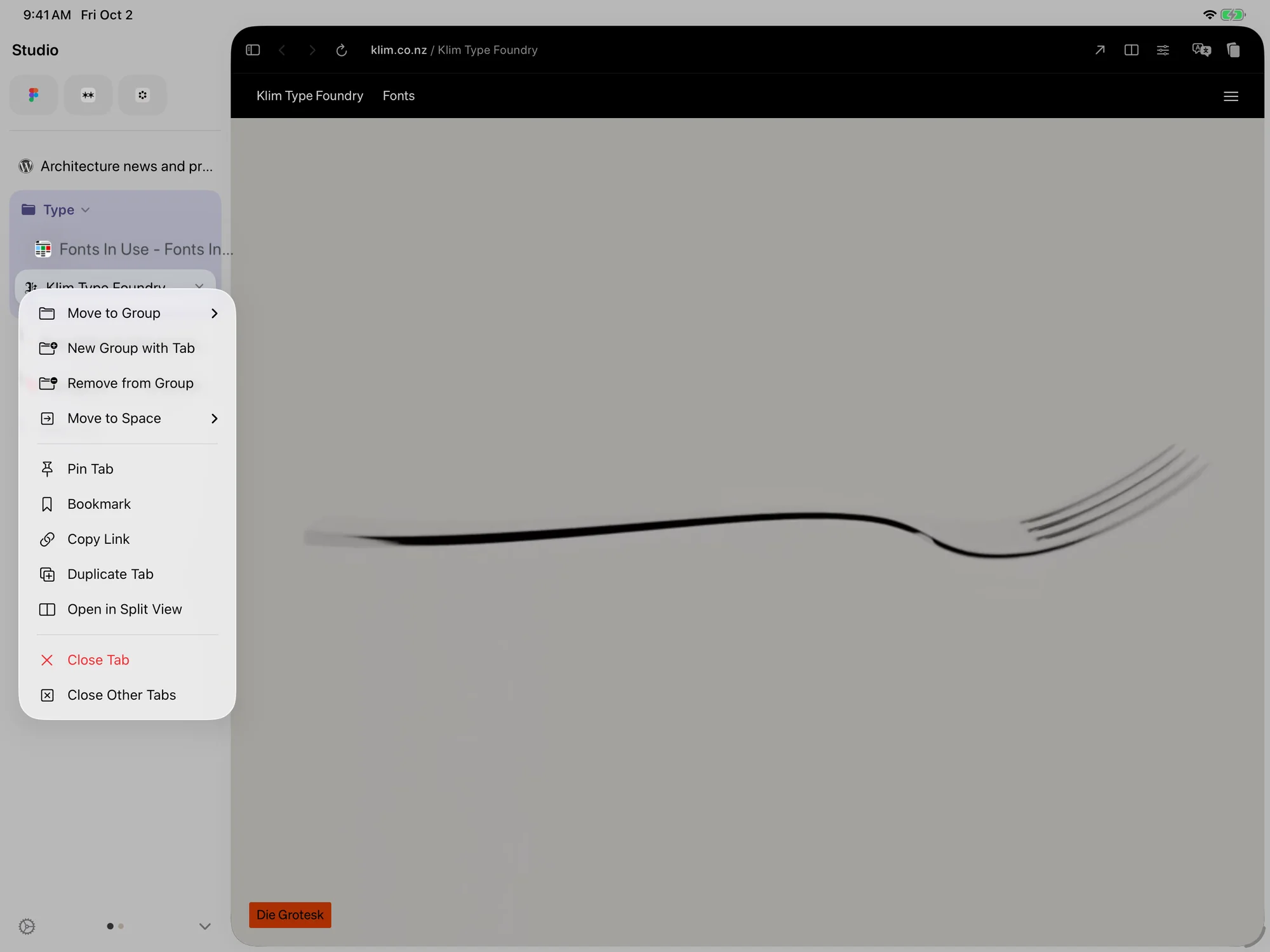
Menu
- Control-click or touch and hold a tab.
- Choose Open in Split View.
Need more help?
Contact support